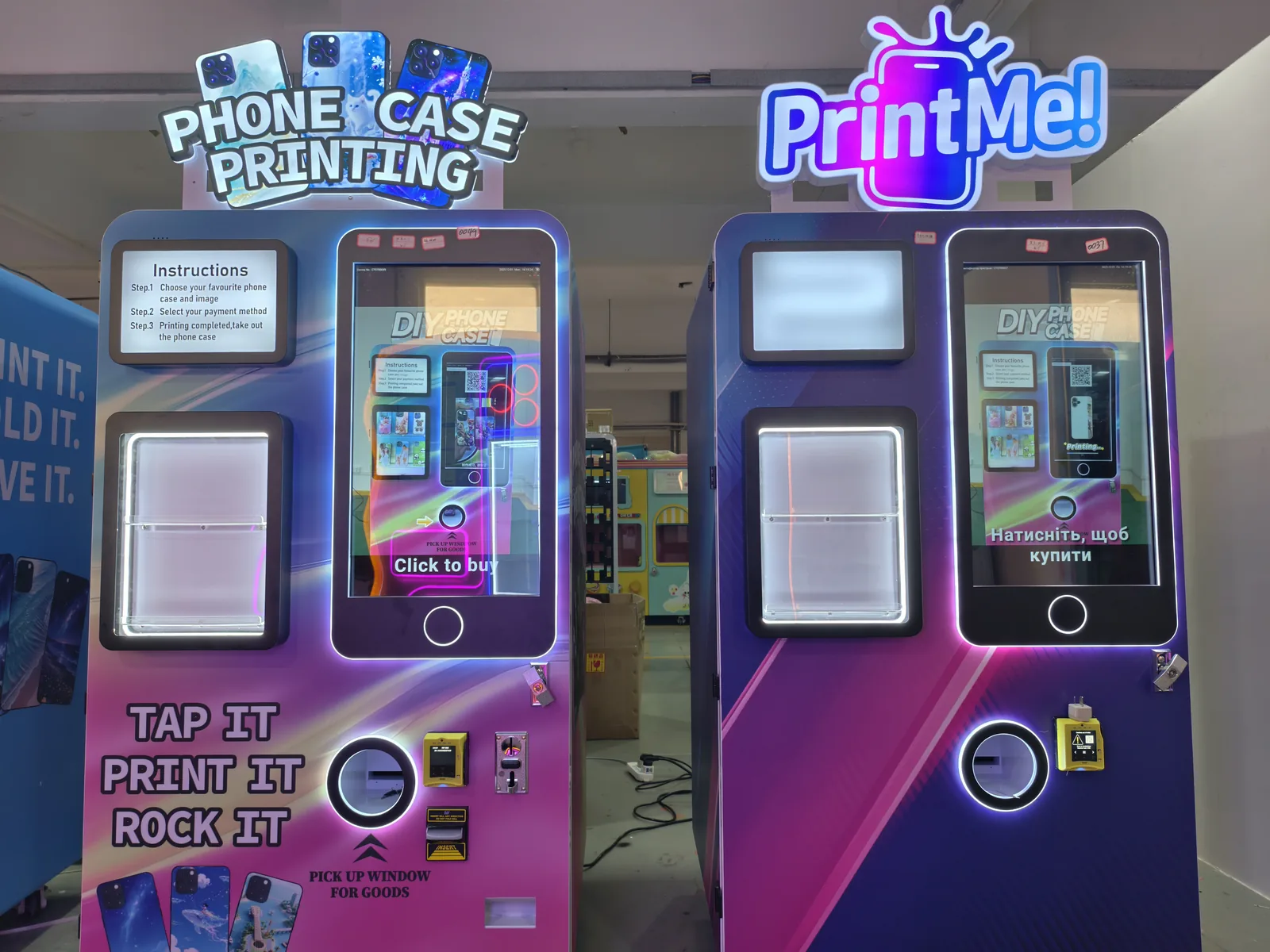
You signed the lease. The machine is ordered. Now comes the part most new operators rush, and the part that decides whether the first month feels smooth or chaotic. A phone case printing vending machine is not hard to launch, but it rewards the operator who works through a checklist instead of winging it. Here is the list I would hand someone starting today, in the order that actually matters.
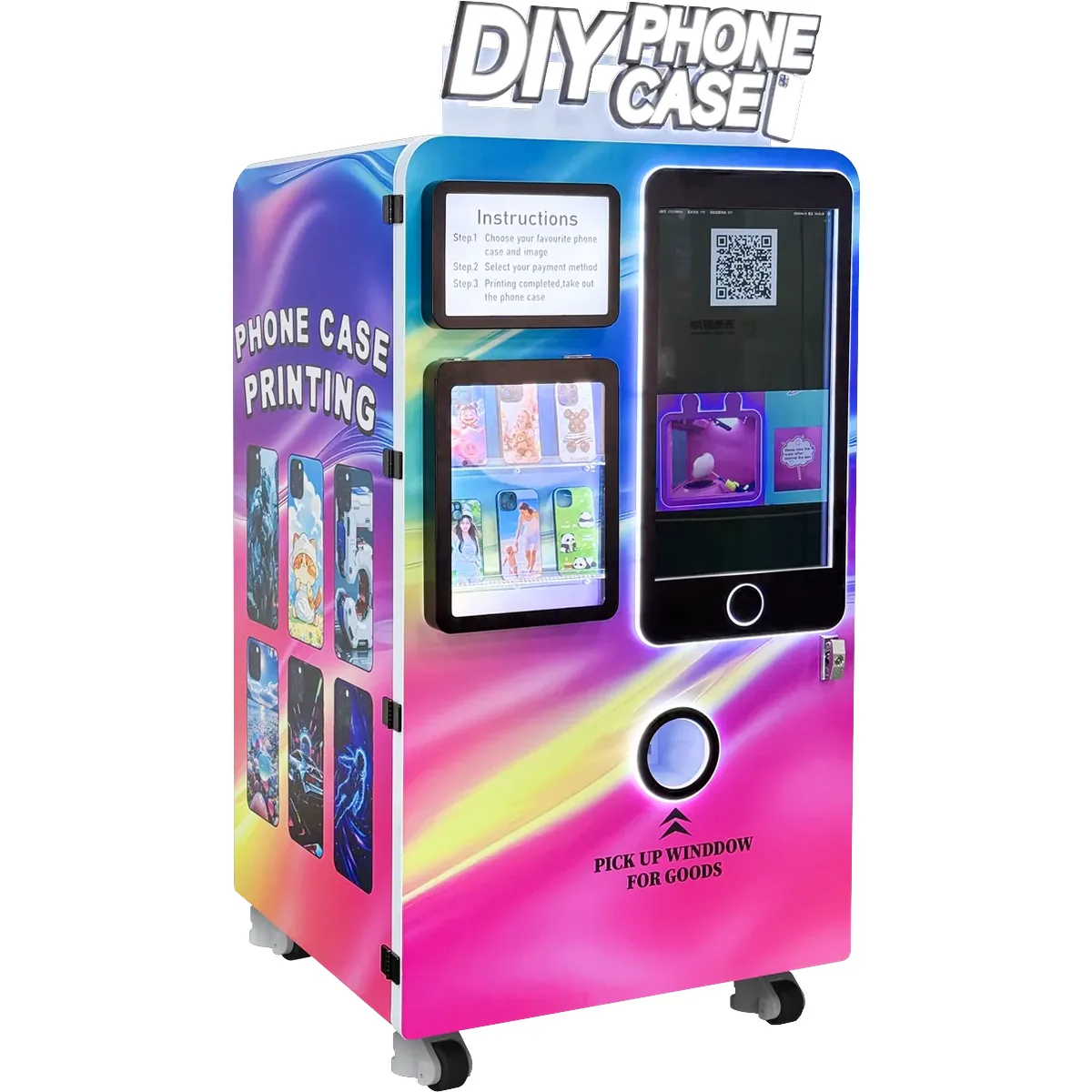
1. Confirm What the Machine Prints and Stock the Right Blanks
Start by understanding exactly what the machine does. It takes a customer photo and prints it onto a blank phone case using a UV printing engine, then cures the print so it is ready in minutes. That means your core inventory is blank cases, not finished products. You need blank cases for the phone models your crowd actually carries, and you need enough of them. Run out of a popular model on a Saturday and you turn away customers one by one.
Order blanks in a spread, heavy on the two or three models you see most often, lighter on the rest. Keep a reorder trigger, like when a model drops below a set count, so you restock before you empty out. The blank case is your biggest recurring cost, so tracking it is the difference between a tidy margin and a slow leak.
2. Choose the Site and Check Power, Light, and Internet
The machine earns in a spot where people stop and have a moment to design something. Foot traffic is only half of it, the other half is dwell time. A corner near a food court works. A dead hallway does not. When you scout a site, check three physical things: a stable power outlet with room for the machine’s draw, decent lighting so customers can preview their photo on screen, and a reliable connection if the machine uses a network for payments or photo uploads.
3. Sort Permits, Payments, and Insurance
Ask the venue what it needs. Some locations want proof of insurance before a machine sits on their floor. Card payments are non negotiable now, a machine that only takes cash leaves most of the crowd out, so make sure the card reader is activated and tested. Keep a copy of the agreement with the venue, and know the revenue split, if any, before your first dollar comes in. The Small Business Administration has a plain language guide on the legal basics of starting a small operation, worth a read before you sign anything. You can find it at sba.gov/business-guide.
4. Build the Menu and Set Pricing by Feel
Keep the on screen menu short. Three to five design styles is plenty, more options just slow people down at the machine. Price by location, not by the photo someone picks. The cost of the blank and the ink is the same whether the customer prints a selfie or a landscape, so the price should be too. A tourist area can hold a higher price than a campus hallway, and that is fine. Match the price to what the room will bear, not to a single national number.
5. Run a Real Test Before Opening Day
Do not let the first real customer be your test. Run the machine end to end with your own photo first. Check the print quality, the color, the curing time, and the speed from tap to finished case. Time it. Then have a second person run it who has never touched the machine. If they get stuck anywhere, that is the spot you add a one line instruction on the screen or a small printed note beside it. A smooth five minute experience is what turns a first timer into a repeat buyer.
6. First Week Routine
Treat the first week as a live test, not a launch party. Check the machine daily, watch one or two real transactions, and fix friction immediately. Here is a short first week checklist.
| Day | Check |
|---|---|
| Every day | Blank case count, ink and UV lamp status, card reader test, empty the cash path |
| Day 1 to 3 | Watch real customers, note where they hesitate, adjust the on screen steps |
| Day 4 to 5 | Log which phone models sold, reorder the fast movers |
| Day 6 to 7 | Review pricing, move the menu if one design is being ignored |
7. Set a Restock and Maintenance Cadence Before You Need It
Decide now, while the machine is still clean, who checks what and how often. Ink runs low slowly, then suddenly. The UV lamp has a rated life, and a failing lamp means prints that look pale or never fully cure. Blank cases disappear in uneven bursts around a phone launch or a holiday. Write down a simple weekly rhythm, one person checks the case count and tops it up, one person wipes the screen and the print bed, one person logs anything that smells off. A tiny weekly habit now prevents a dead machine on a busy weekend later.
The good news is the machine does most of the work itself. It prints, cures, and takes payment on its own. Your job is the small set of checks that keep it reliable. Spend ten minutes a week on it and the machine runs for months without drama. Skip it and the first sign of trouble is usually a customer standing at a dark screen with a card in hand.
8. The Mistakes That Cost New Operators
Three habits sink most first timers. The first is treating it as set and forget, no machine prints and cures forever without someone checking ink and blanks. The second is pricing by guess instead of by the room, which leaves money on the table in a tourist spot or scares off a campus crowd. The third is ignoring the blank stock until it is gone, and discovering the outage on a peak day when the phone model everyone uses has no cases left.
None of this is complicated, which is the point. A phone case printing vending machine is one of the easier keepsake businesses to start. Work the checklist, keep the blanks stocked, and the machine does the printing. For the full product details and what fits a given venue, the phone case printing vending machine product page covers the build and the numbers. If you are still deciding between keepsake machines, the jigsaw puzzle vending machine page is worth a side by side read, and the team can answer a specific location question through the contact page.
Related machines from Red Rabbit